
Teen shoots student dead at Jesuit school in Philippines

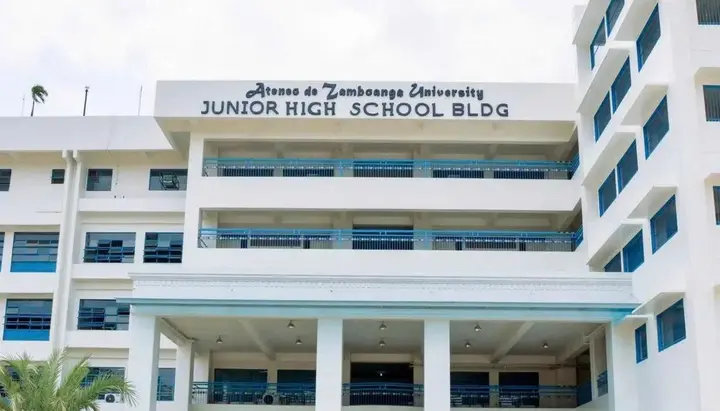
A teenager opened fire at a Catholic educational institution in the Philippines, killing a 15-year-old student before taking his own life.
On August 18, 2026, a teenager opened fire at a Jesuit Roman Catholic school in Zamboanga City, the Philippines, killing a 15-year-old student before taking his own life, Tribune Chrétienne reports.
The attack occurred in the morning on the campus of Ateneo de Zamboanga University as students were arriving for classes. The gunman livestreamed the incident on social media. Following the killing, the school suspended operations, while psychological and pastoral support was arranged for students, their families, and staff.
The tragedy was the latest in a wave of violence among schoolchildren in the Philippines. Over the past two months, around 50 incidents have been recorded at schools across the country, including bomb threats, knife attacks, and shootings. Shortly before the killing at the Catholic school, three students were killed in another attack on a school.
Following the incident, Roman Catholic representatives said there were serious problems among young people and stressed that increased security alone was not enough. Catholic hierarchs called for greater attention to loneliness, anxiety, bullying, and teenagers’ psychological well-being, while the Archdiocese of Zamboanga called for all the circumstances surrounding the killing to be established, including how the weapon ended up on school grounds.
Earlier, the UOJ reported that 10 Catholics accused of converting non-Christians to Christianity had been released in India.